
Turn data into clear visuals and meaningful stories. Build skills in Power BI and data communication to help your audience understand insights and take action.
Our Courses
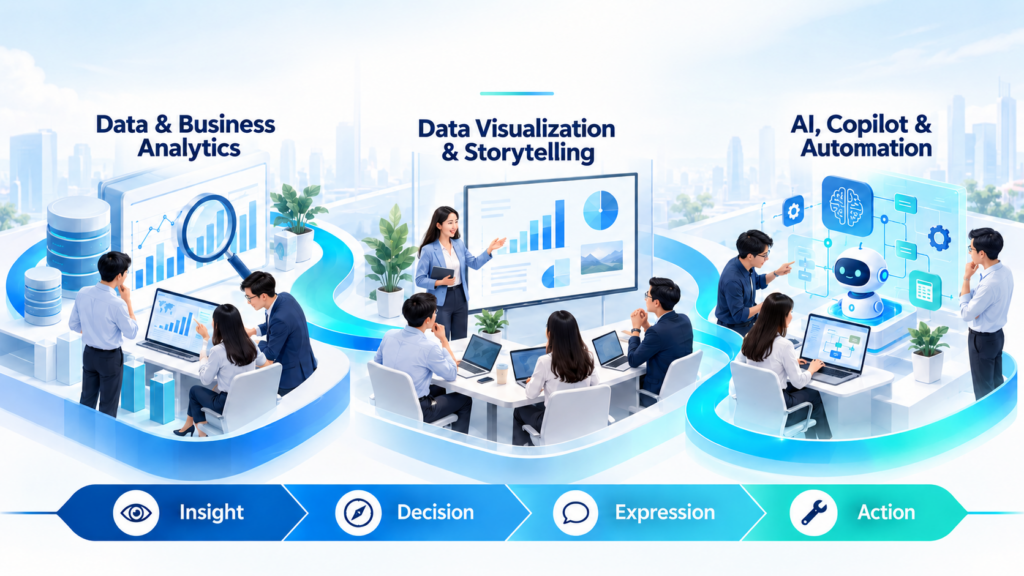
Data & Business Analytics
Develop the skills to turn business data into useful insights and informed decisions. This course group helps learners frame business questions, explore patterns, evaluate evidence and connect analytical findings with practical action. From everyday problem-solving to strategic decision-making, the focus is on using data thoughtfully to understand challenges, assess opportunities and support business priorities.
Key Learning Areas.
- Insight Discovery: Explore data and identify patterns that reveal business problems and opportunities.
- Analytical Thinking: Frame clear questions and assess the relevance and quality of evidence.
- Data-Informed Decisions: Compare options and use insights to support sound business judgement.
- Strategic Application: Connect analysis with organisational priorities and recommendations for action.
Data Visualization & Storytelling
Learn to turn data into clear visuals, interactive reports and stories that support understanding and action. This course group combines Power BI skills with the principles of effective data communication. Learners develop ways to highlight meaningful findings, choose suitable visuals and structure messages around their audience’s needs, from everyday reporting to strategic discussions with stakeholders.
- Power BI Foundations: Connect data and create reports using core Power BI features.
- Reports & Dashboards: Present insights through visuals and interactive reports that are easy to explore.
- Data Storytelling: Structure findings into a clear narrative with a meaningful takeaway.
- Strategic Communication: Frame insights around business priorities to support stakeholder discussions./
AI, Copilot & Automation
Build practical skills to improve everyday work with AI, Copilot agents and Microsoft Power Platform. This course group introduces ways to support tasks with agents, create low-code business apps and automate repetitive workflows. Learners explore how these tools can work together to simplify processes and develop solutions that meet their team’s needs, with an emphasis on practical application and reviewing results before use.
Key Learning Areas.
- AI Productivity: Apply AI and Copilot to support everyday tasks and improve working efficiency.
- Copilot Agents: Create agents that assist with specific tasks and team workflows.
- Low-Code Apps: Build Power Apps solutions that connect business data with everyday work.
- Workflow Automation: Use Power Automate to streamline repetitive steps and connect processes.